Use the JPEG and printing guide supplied with your Atelier artwork. Choose a size, print it at home or with a printer, then check how it fits the frame.
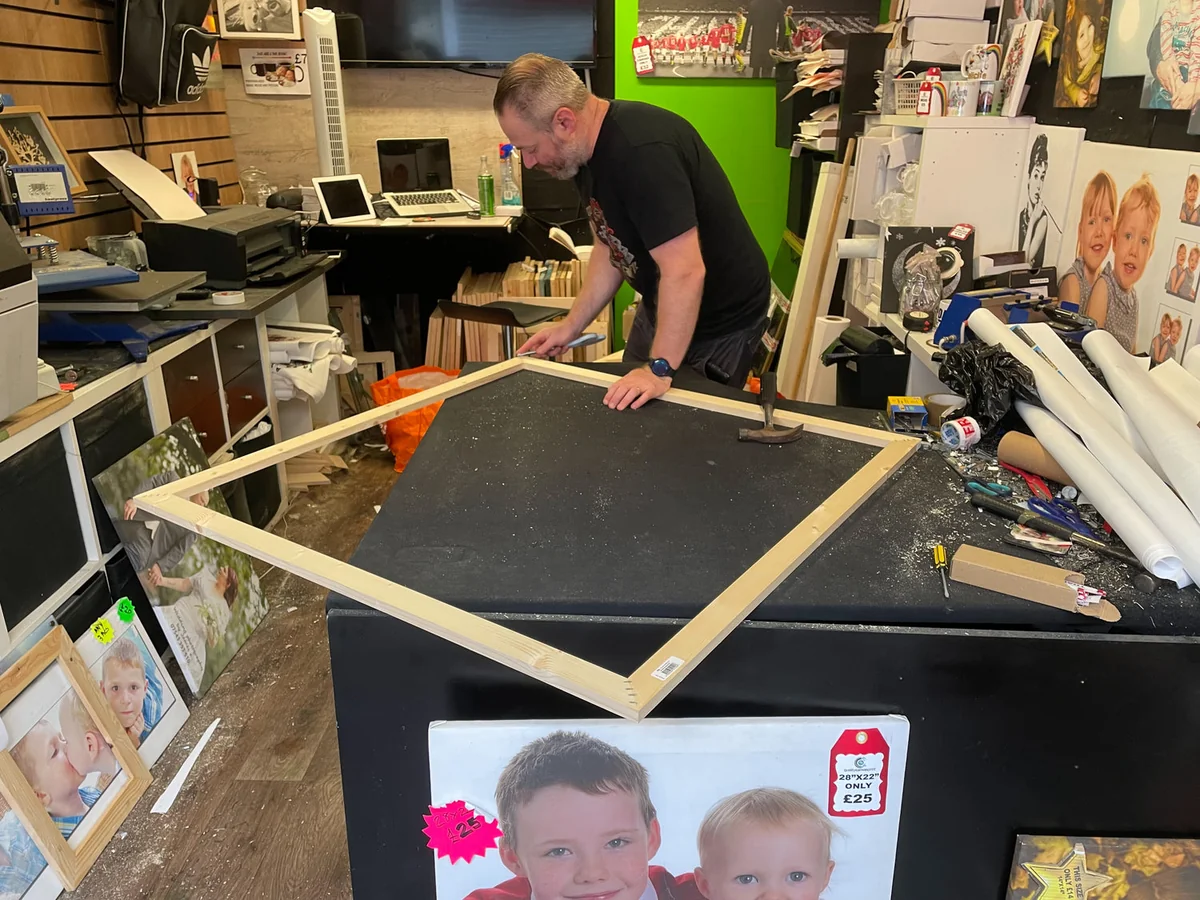
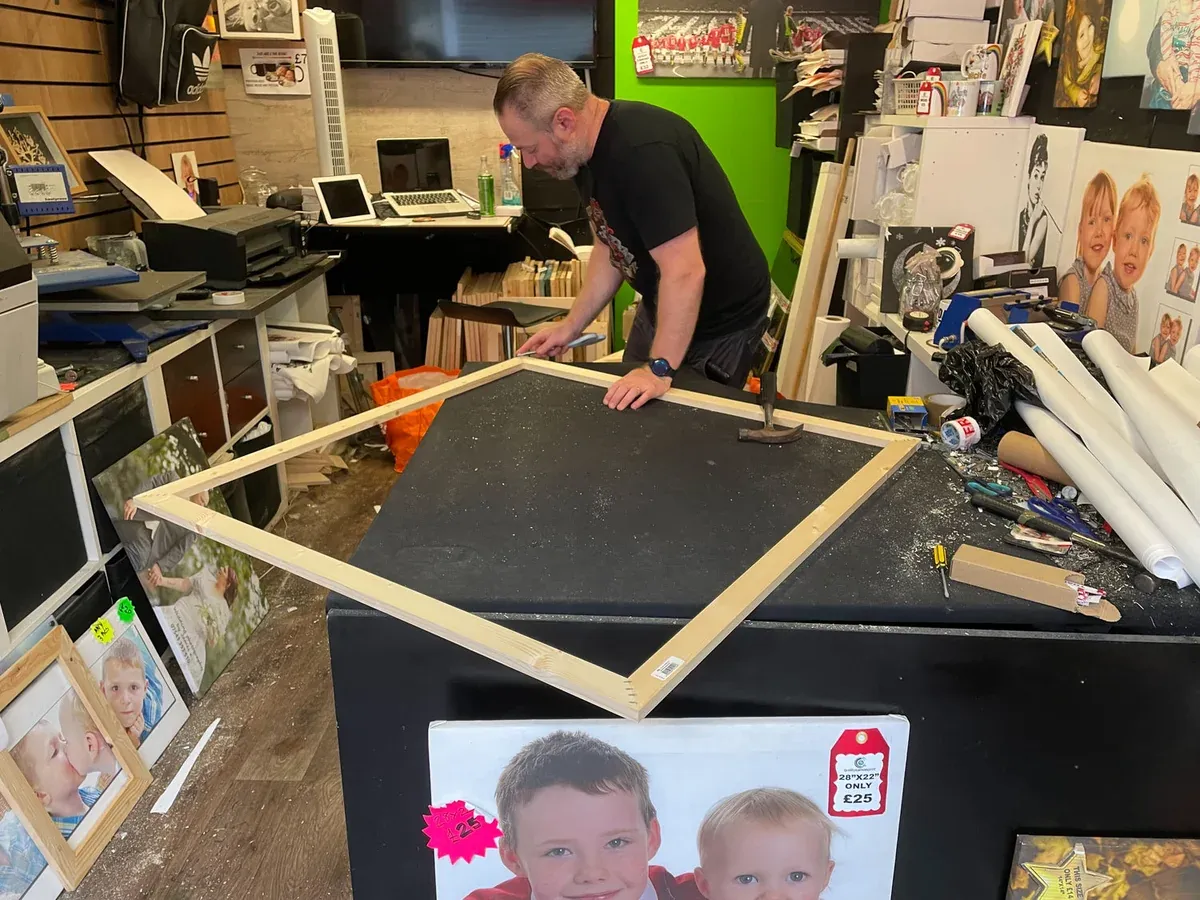
Making a canvas stretcher at Bury Market.
1. Save the file
Save the original high-resolution JPEG and keep the artwork’s printing guide with it. If you download on a phone or tablet, look in Files or Downloads and copy the original file to your computer if that’s where you’ll order or print.
Keep a backup of the JPEG and your order email. If you can’t find your file or the link no longer works, email Andy with your order details.
2. Choose a size
Measure the space or the frame you have in mind. Check the recommended size in your artwork’s guide and match the proportions of the file to the print. A square image in a rectangular frame can sit inside a mount or border, or you can choose a deliberate crop.
If you’d like to go larger than the guide suggests, show the original file to your printer and ask for a proof. The canvas sizes in the Printspiration stories describe Andy’s own prints.
Use the original JPEG and the artwork guide as your starting point. If your printer asks for a different format or colour profile, keep the original and make a separate copy.
At home
For a folded card, place the image on the front panel and leave the other panel blank before you print and fold. For a postcard-sized print, leave a little room to trim. For the wall, measure the visible opening of the frame and allow for any mount.
Check which paper or card weights your printer can feed. Match the paper setting, preview the crop and margins, and print a test on an ordinary sheet before using your chosen stock.
With a local printer
Ask to see paper and canvas samples. Share the original file by the printer’s preferred method and agree on the size, finish and border together.
Before printing, confirm the image dimensions, any border, and the opening of the mount or frame. For canvas, check which part of the image will wrap around the edges. Look at a proof or small test in the light where it will hang.
Framing examples
A mount is the board that surrounds the picture inside the frame. You can vary the width of the mount or build a border into the print itself.
Wells 100Square frame with an even mount
Wells 100Portrait frame with a deeper mount belowA square opening sits slightly above centre in a standard portrait frame.
Printed sheet
In a slim frame
Wells 100A deeper border on the printed sheetThe same sheet is shown loose and in a slim frame. Try 10 mm at the top and sides and 20 mm below.
St Cwyfan, AngleseyBespoke frame for a panoramaThe mount and frame follow the proportions of the photograph so the whole coast stays visible.
DoorA small print in an existing frameHave a new mount cut to fit both the frame and the print.
Mount colours
The black mounts have a fine white bevel. Cutting the opening at an angle reveals the white core of the mountboard.
Beverley MinsterBlack mount, oak frame
Beverley MinsterBlack mount, white frame
St Cwyfan, AngleseyBlack mount, oak frame
St Cwyfan, AngleseyBlack mount, white frame
St Cwyfan, AngleseySea-green mount, white frameThe green comes from the water at the right of the photograph.
What should I measure for a mount?
Note the size of the printed image, the size of the whole sheet and the inside dimensions at the back of the frame where the mount will sit. Tell the framer if you want the whole image visible or a sliver of the paper to show around it.
In the portrait frame with a deeper mount below, an A4 mount (210 × 297 mm) with a 150 mm square opening leaves 30 mm at each side, 63 mm above and 84 mm below. Check that the mount fits the frame before ordering.
Personal use
The Atelier licence allows up to three personal prints. A professional printer can handle the file solely to make those prints. Read the digital print licence.
Common questions
What comes with an Atelier digital print?
You receive a high-resolution JPEG and a printing guide for the artwork. Printing and framing are separate.
Can I make prints in different sizes?
Yes, within the allowance for personal prints. Use the same original JPEG, check each size against the artwork guide and preview the crop for each format.
What if the file is too large to email?
Ask your printer for an upload link or their preferred transfer method. Send the original JPEG so they have the full resolution to work with.
Which colour profile should I use?
Check the artwork’s guide and ask your printer what they accept. Tell them the profile embedded in your file if you can see it, and keep it as supplied unless they ask you to convert a copy.